Offer automation
Configure rank divisions, prices, delivery times and skip rules from one place.
Manage offers, pricing, delivery settings, Auto Chat, bot behavior and order activity from one clean control panel.
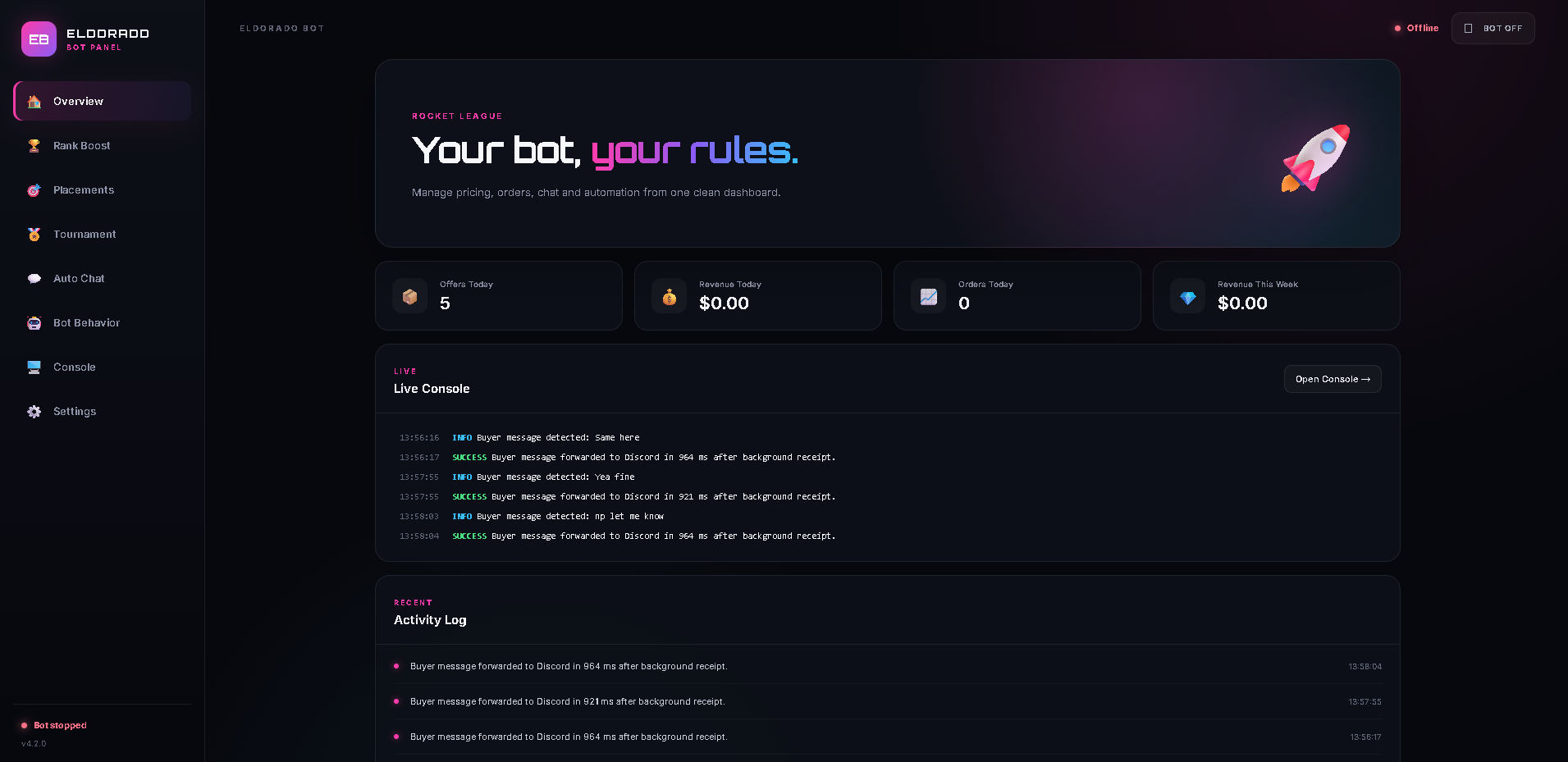
This is the actual EldoradoBot interface: configure offers, Auto Chat and behavior, then keep an eye on activity from the live console.
Built around the repetitive parts of managing boosting orders.
Configure rank divisions, prices, delivery times and skip rules from one place.
Send your opening message, image, follow-up and delivered message automatically.
Enable PC, PlayStation and Xbox together instead of being locked to one platform.
See buyer-message forwarding, bot status and recent activity in the same console as the real panel.
Manage Rank Boost, Placements and Tournament settings from the same dashboard.
Create an account, log in securely and view your current license status from the website.
Register and activate your EldoradoBot access.
Connect the Chrome extension and configure your panel.
Choose platforms, prices, delivery times and Auto Chat messages.
Keep track of orders and automation from your dashboard.
Choose the access period that fits you best.
Full EldoradoBot access for 24 hours.
Full EldoradoBot access for 30 days.
Permanent access for this account.
Quick answers before you get started.
Configure your prices, delivery times, platforms and automation rules. EldoradoBot then monitors supported boosting requests and handles the repetitive workflow using your settings.
After activating a license, download EldoradoBot from your account and load the included Extension folder in Google Chrome.
Your access starts when the payment is confirmed and the license is activated on your EldoradoBot account.
The extension remains installed, but automation is locked until the account has an active license again.
Yes. Your configuration is stored locally and can also be exported and imported as a backup.
Yes. Each supported order type has its own pricing, delivery and skip configuration inside the dashboard.